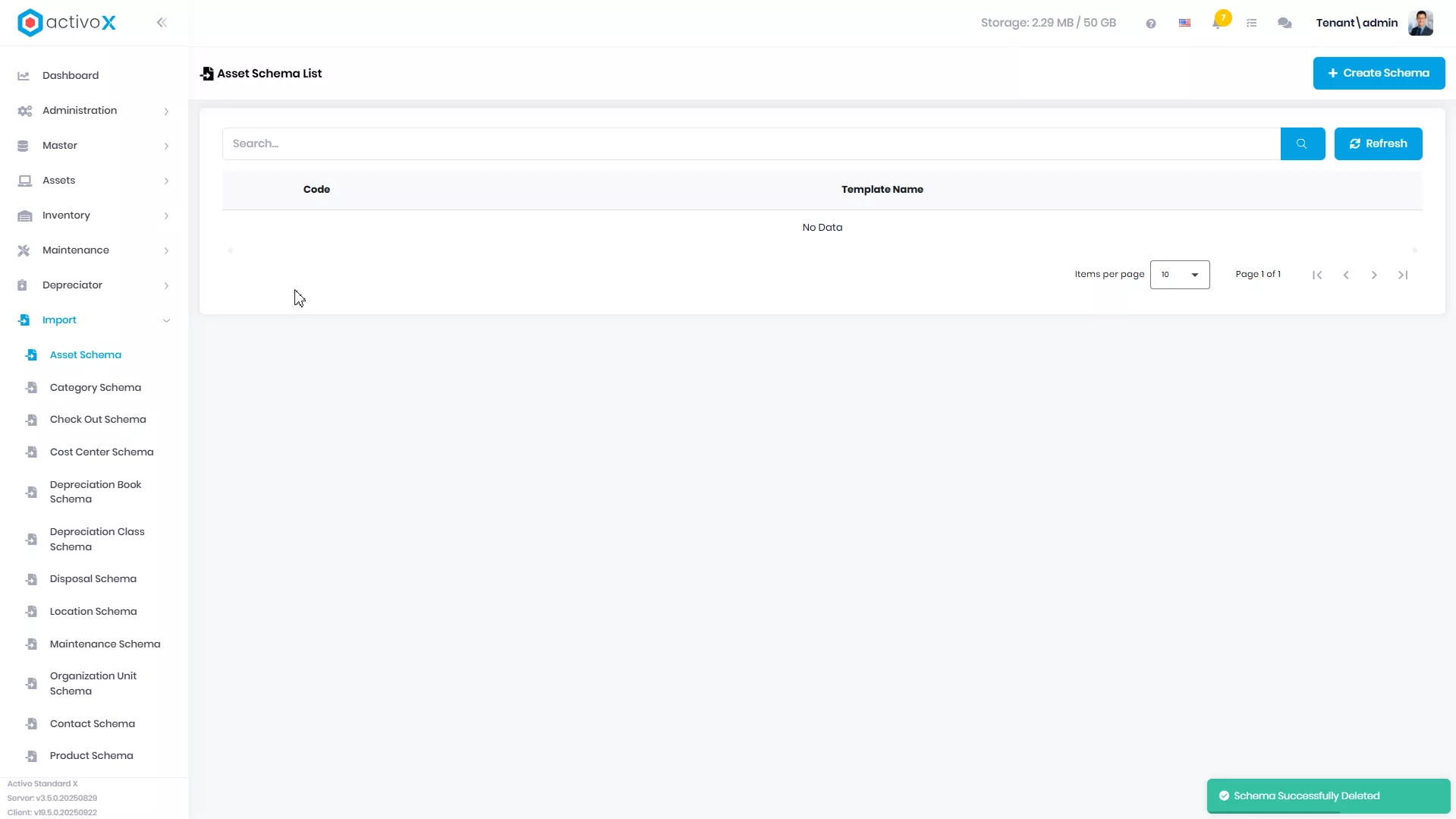
Asset Import
Anda dapat membuat laporan pengguna Asset Import untuk catatan hasil manajemen data Asset pada Activo X.
Membuat Asset Import
Anda dapat membuat Asset Import baru pada Activo X.
-
Klik menu Import lalu pilih Asset Import.
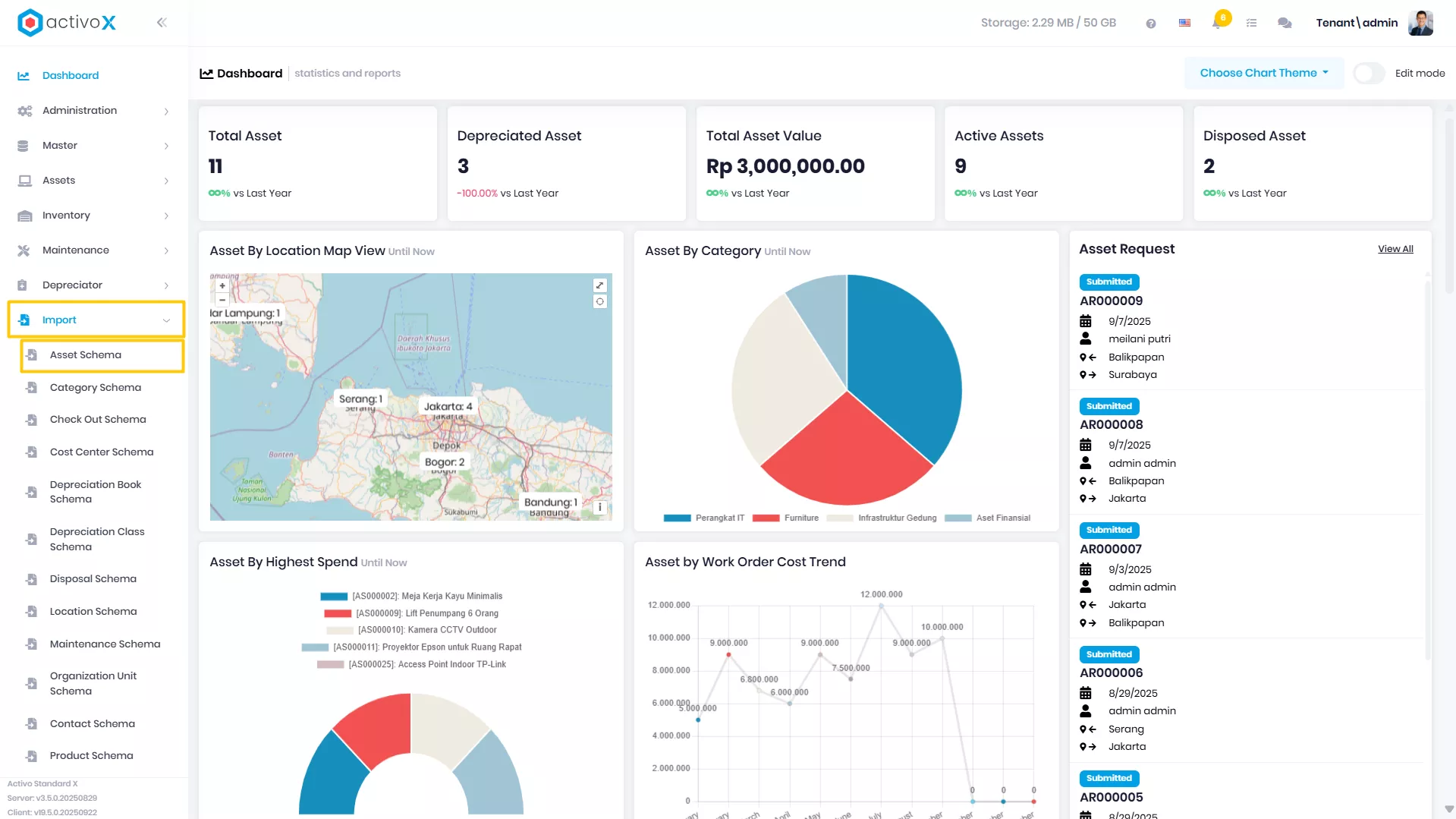
-
Klik Create New Import Schema
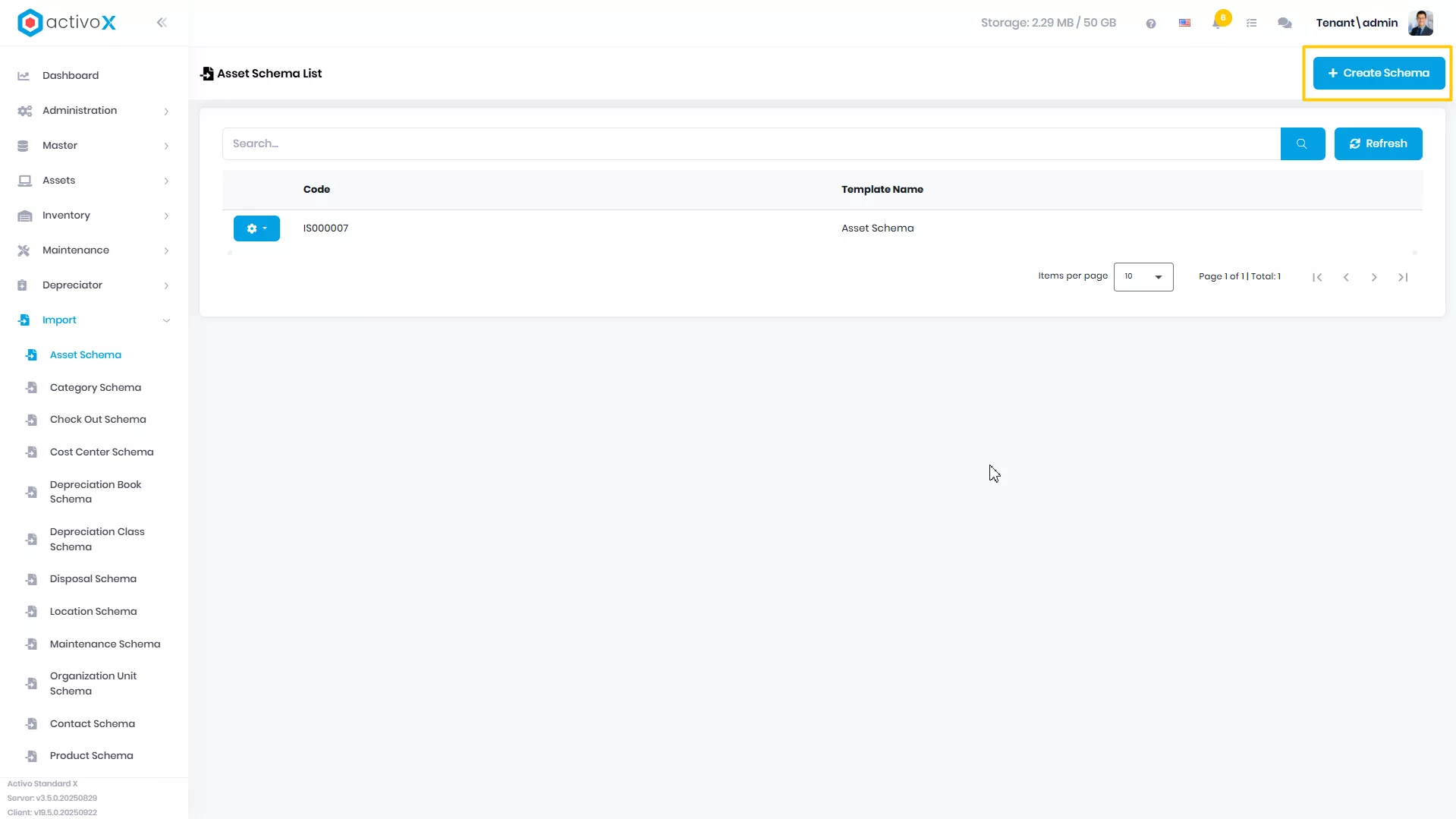
-
Isi Schema Name
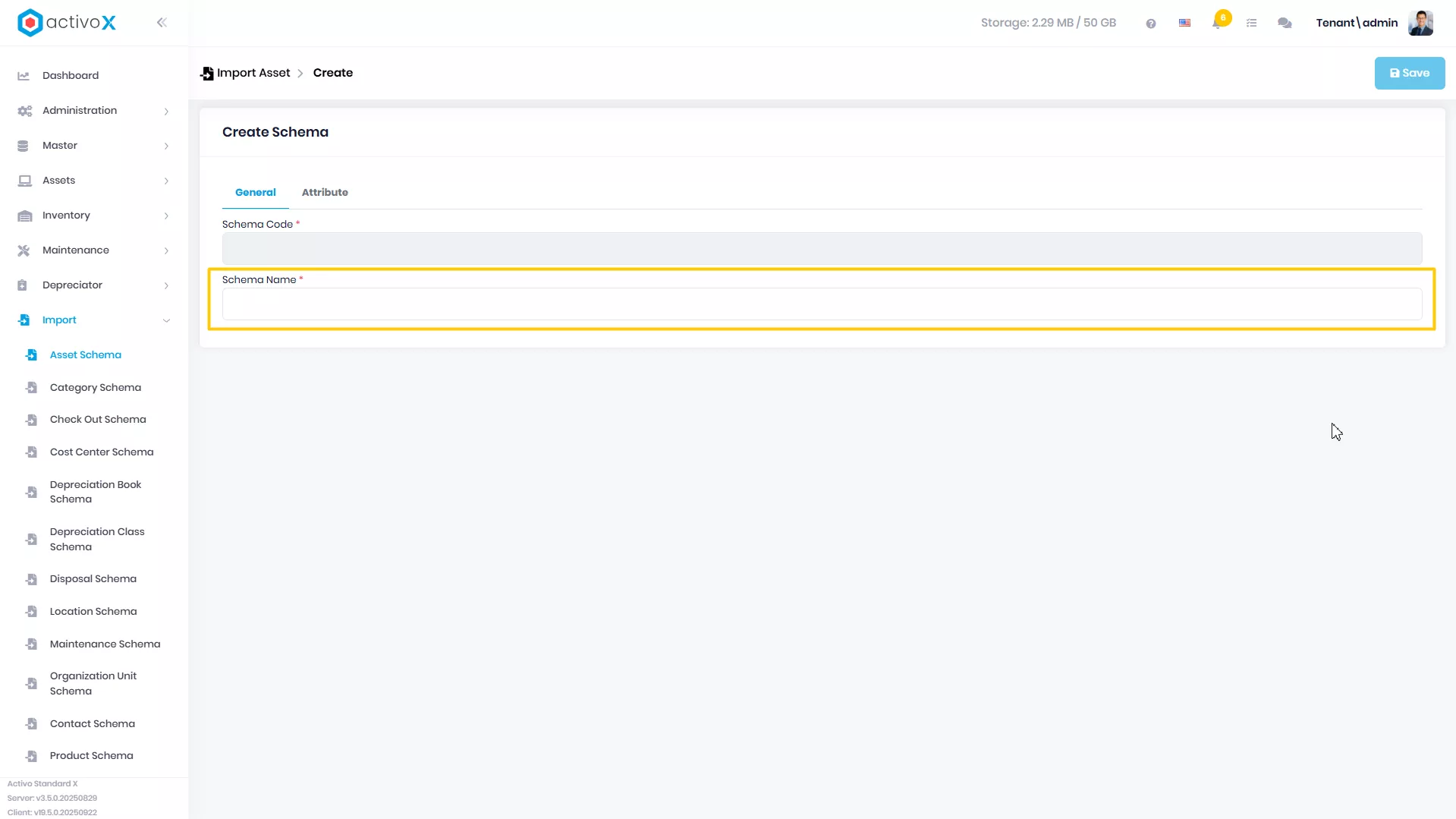
-
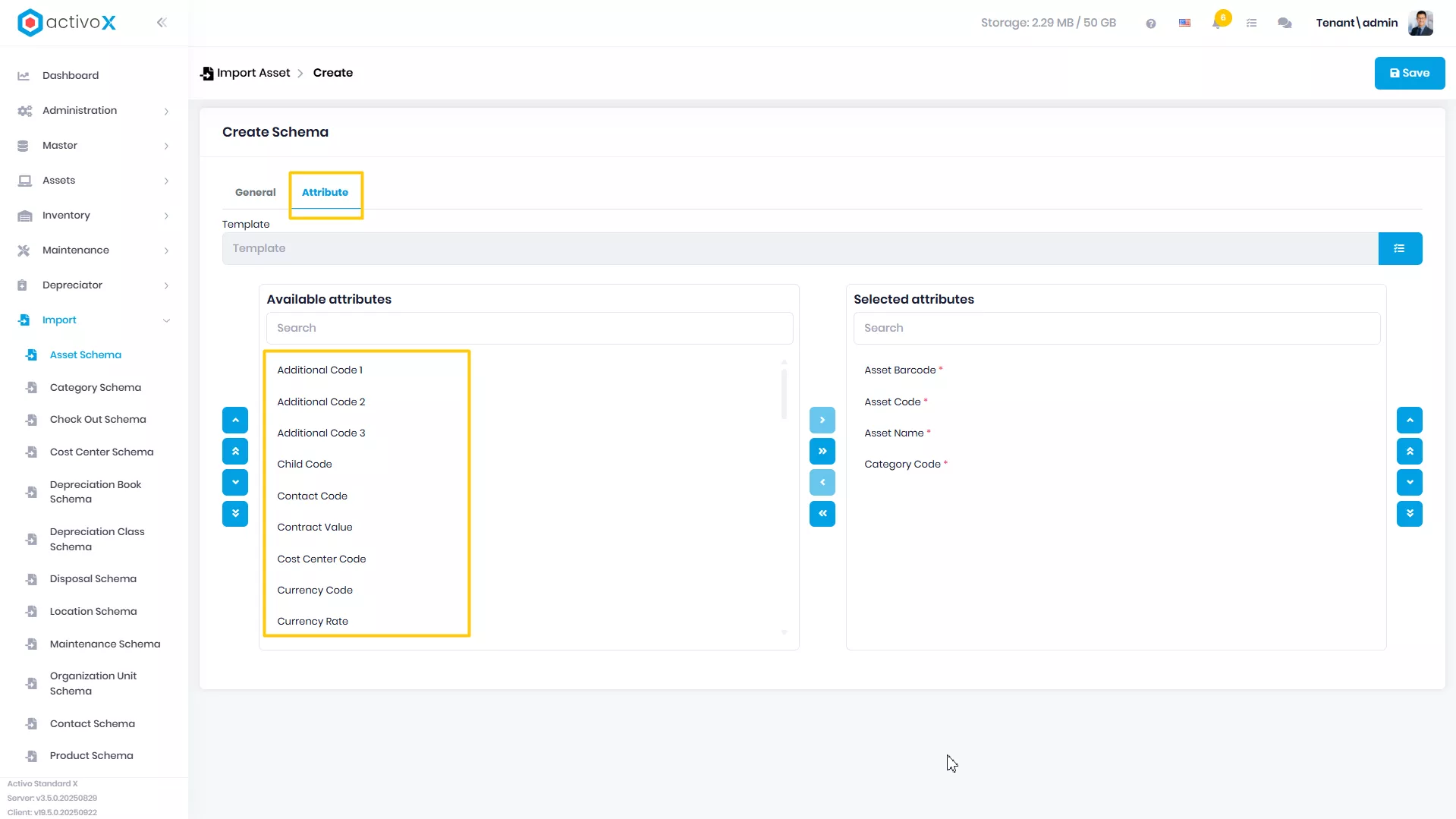
Klik tab Attributes
-
Pindahkan attribute yang ada di Available Attributes ke Selected Attributes
-
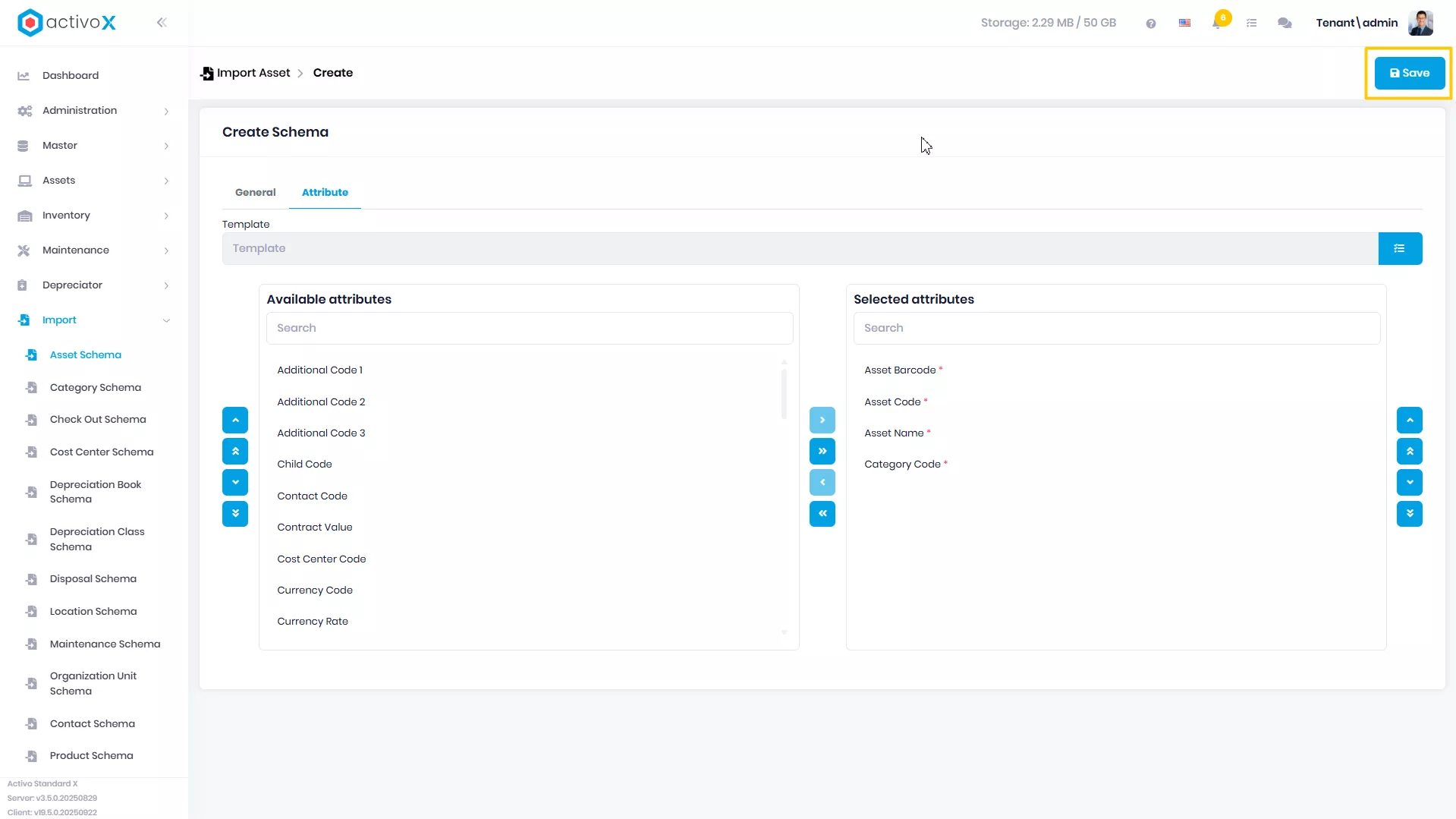
Klik Save
Mengubah Import
Anda dapat mengubah detail data Asset Import yang telah dibuat pada Activo X.
-
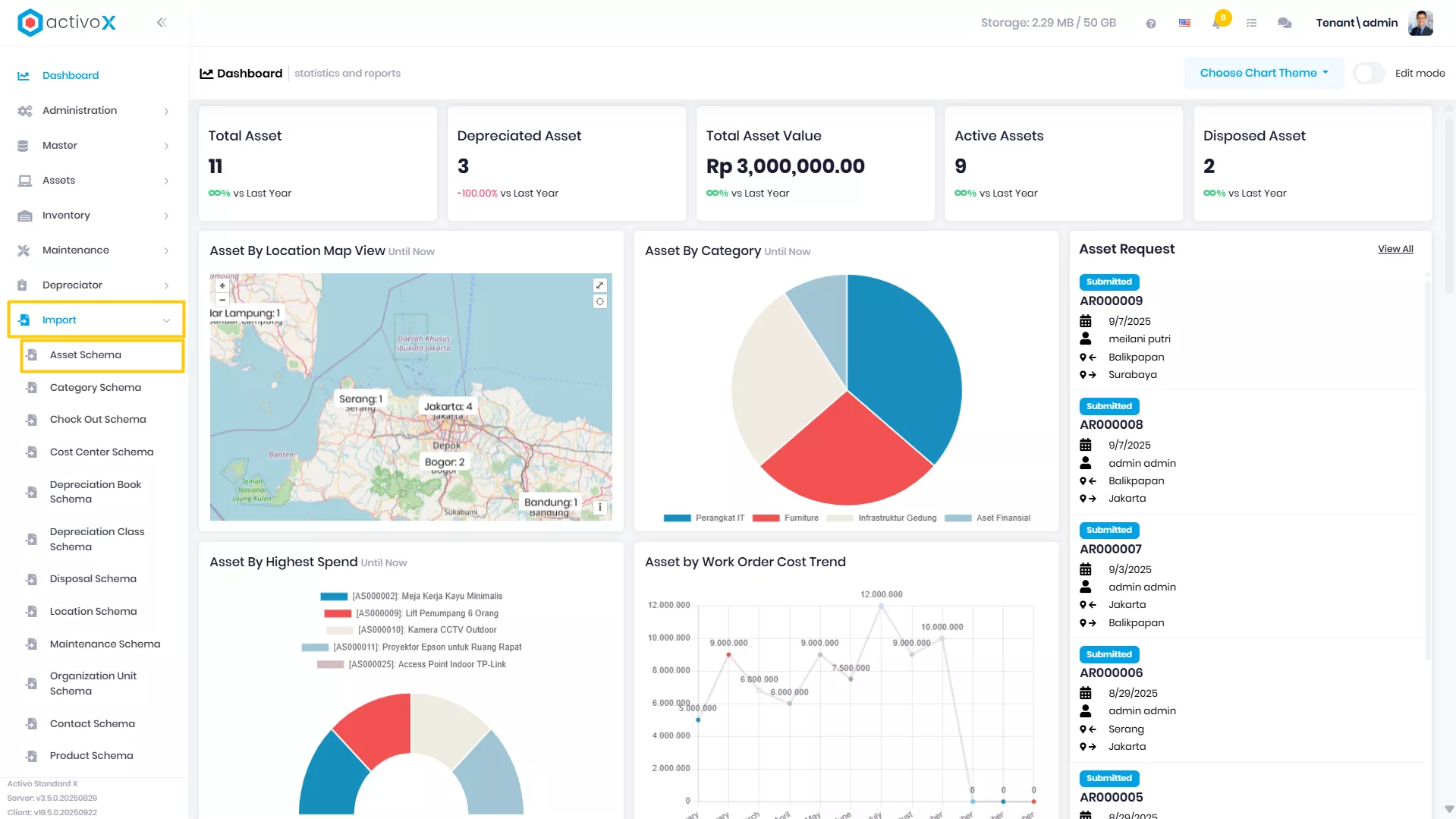
Klik menu Import lalu pilih Asset Import.
-
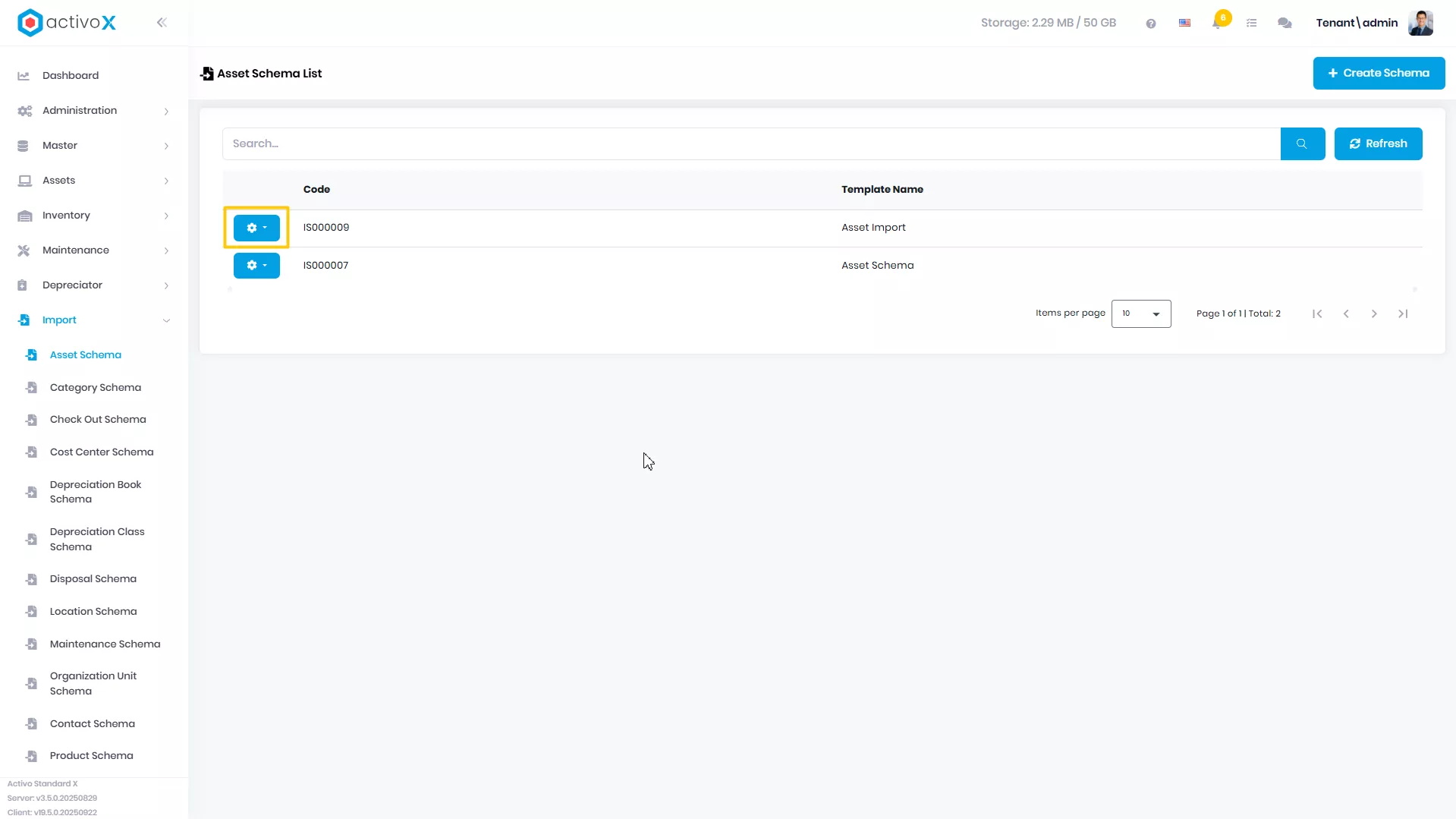
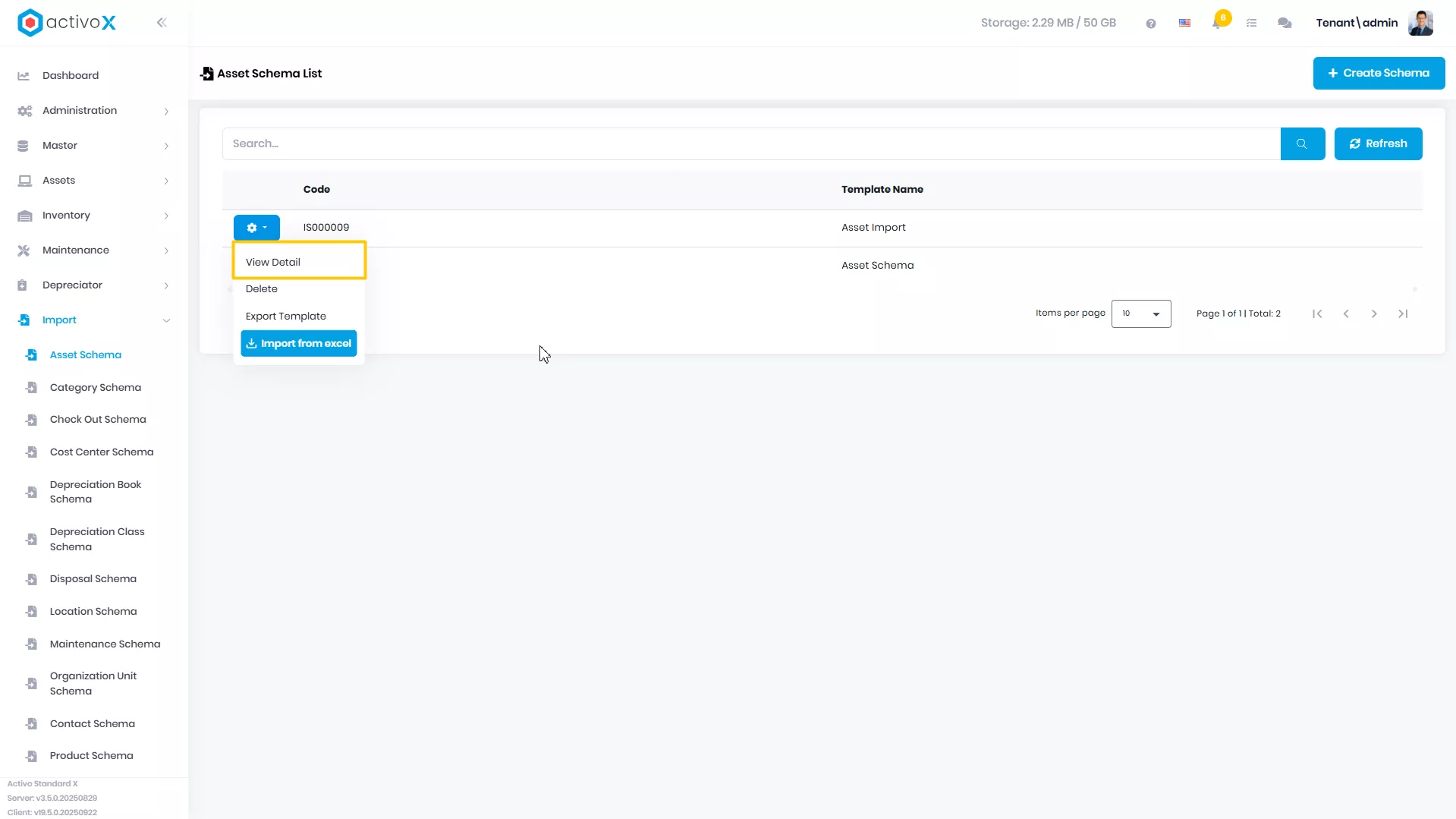
Pilih Import yang akan dituju, lalu klik Action
-
Klik View Detail
-
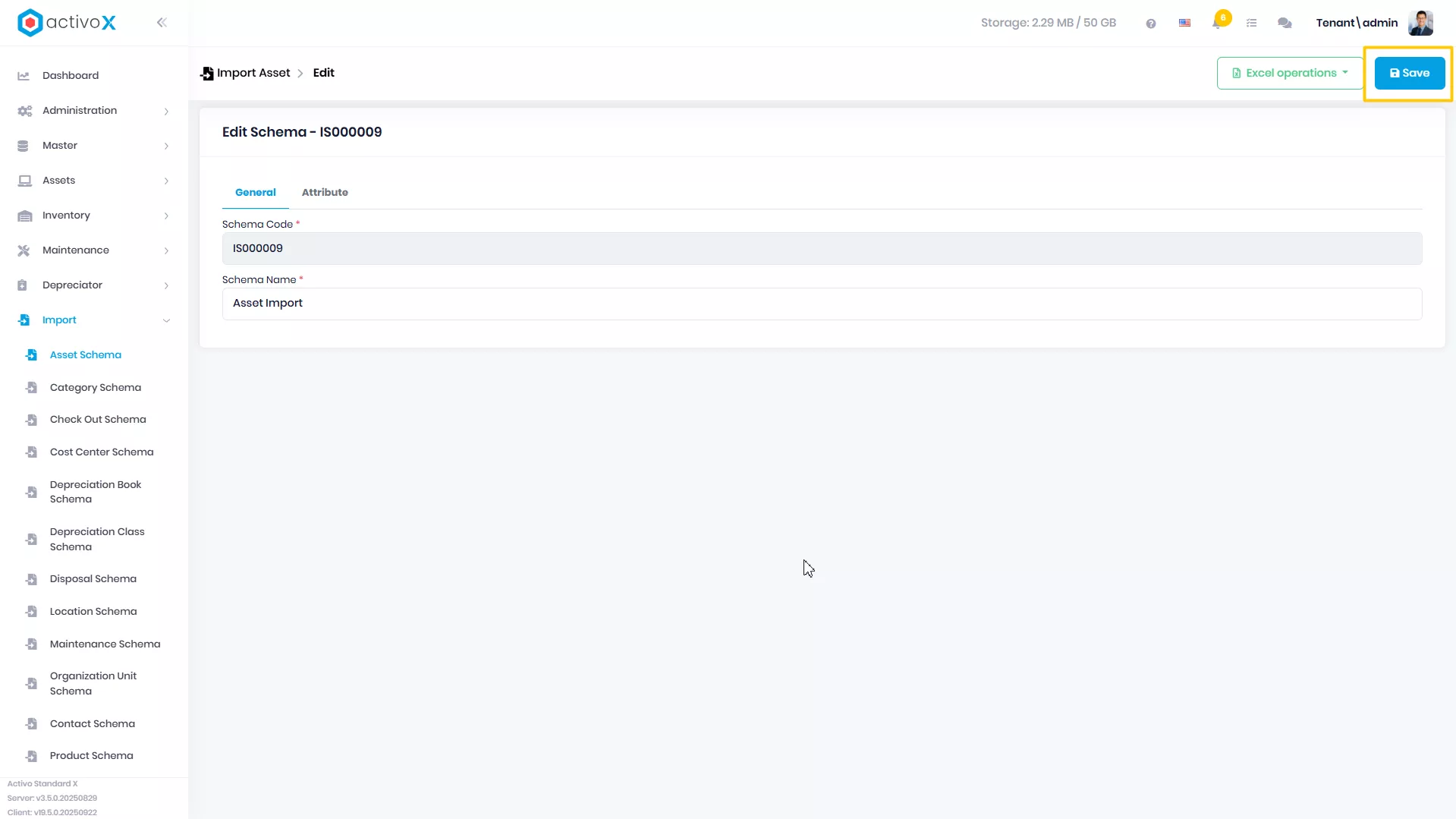
Ubah data Import, lalu klik Save
Export Template
Anda dapat mengunduh template Asset Import sesuai dengan schema import yang telah dibuat pada Activo X.
-
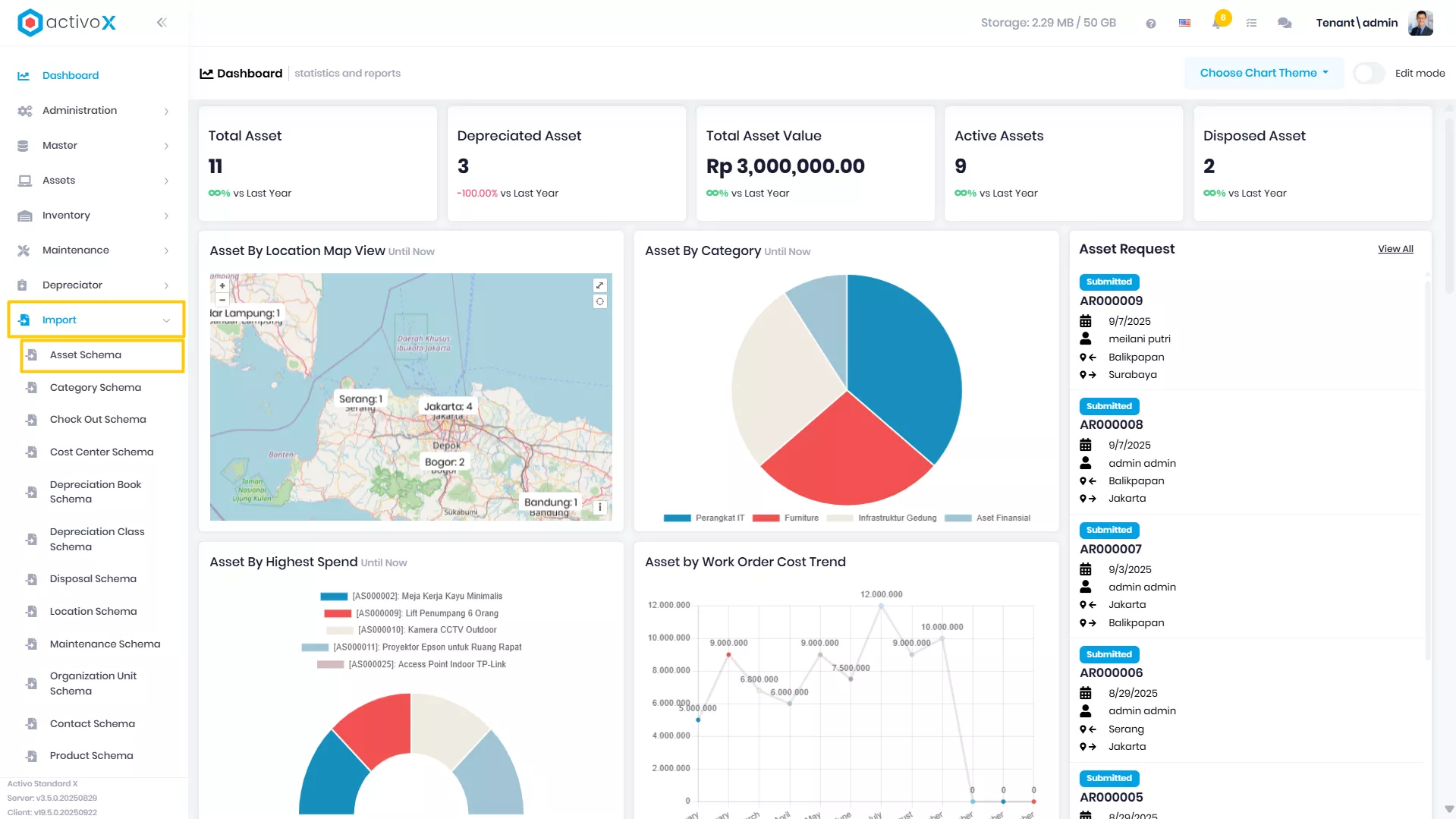
Klik menu Import lalu pilih Asset Import.
-
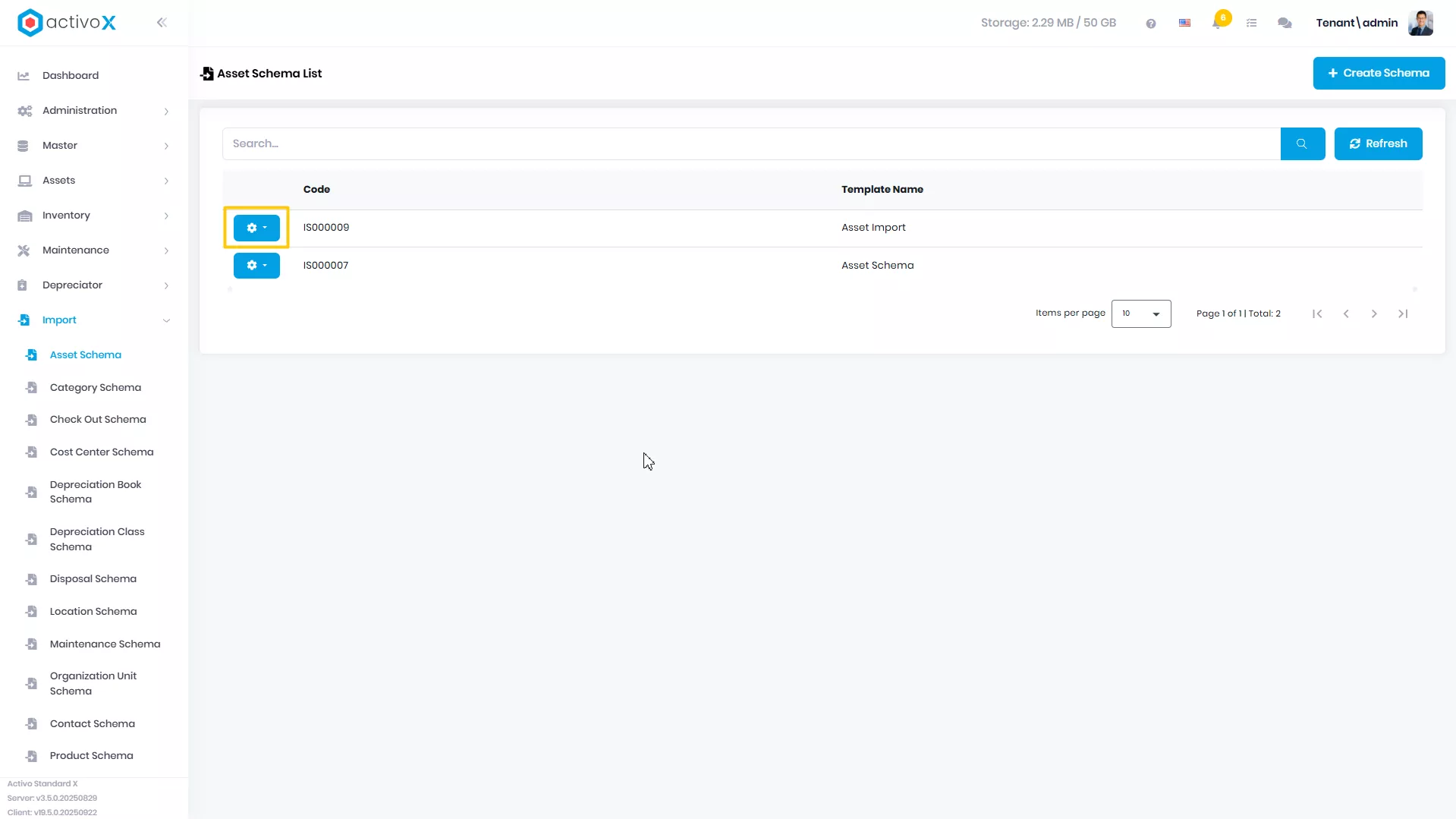
Pilih Import yang akan dituju, lalu klik Action
-
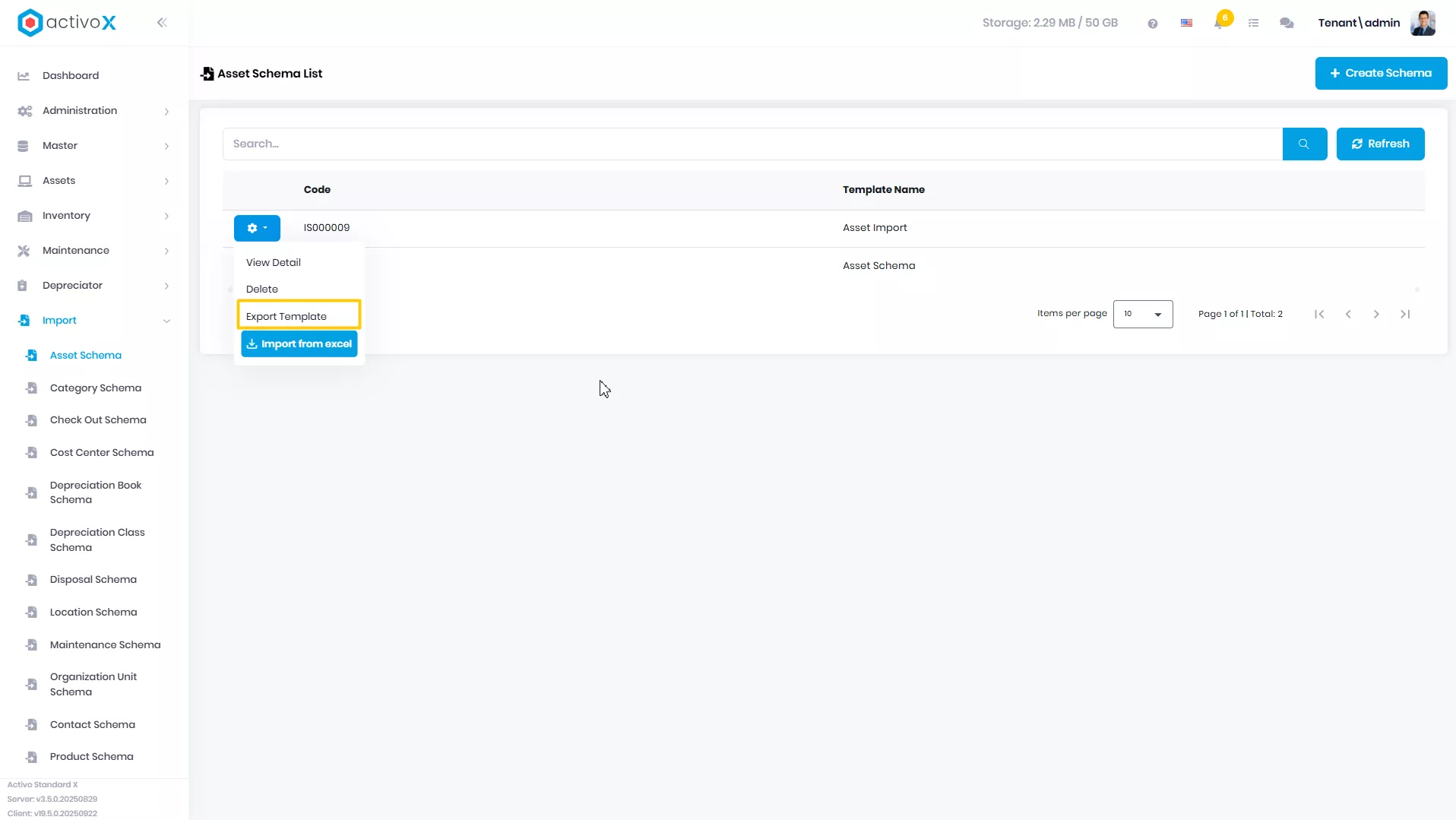
Klik Export Template
-
Template Anda berhasil diunduh, Anda bisa membukanya pada file manager
Import from Excel
Anda dapat mengunduh template Asset Import sesuai dengan schema import yang telah dibuat pada Activo X.
-
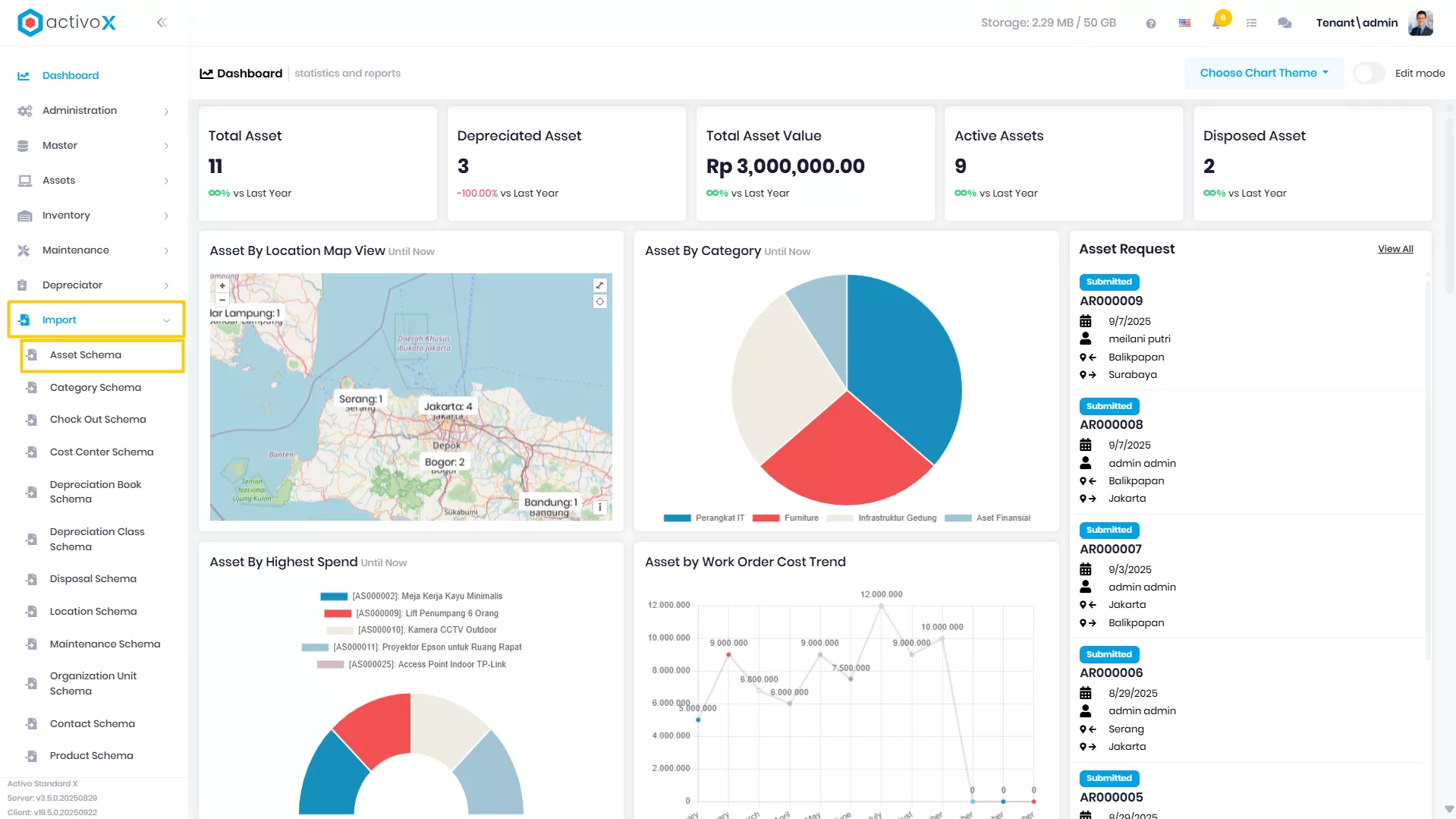
Klik menu Import lalu pilih Asset Import.
-
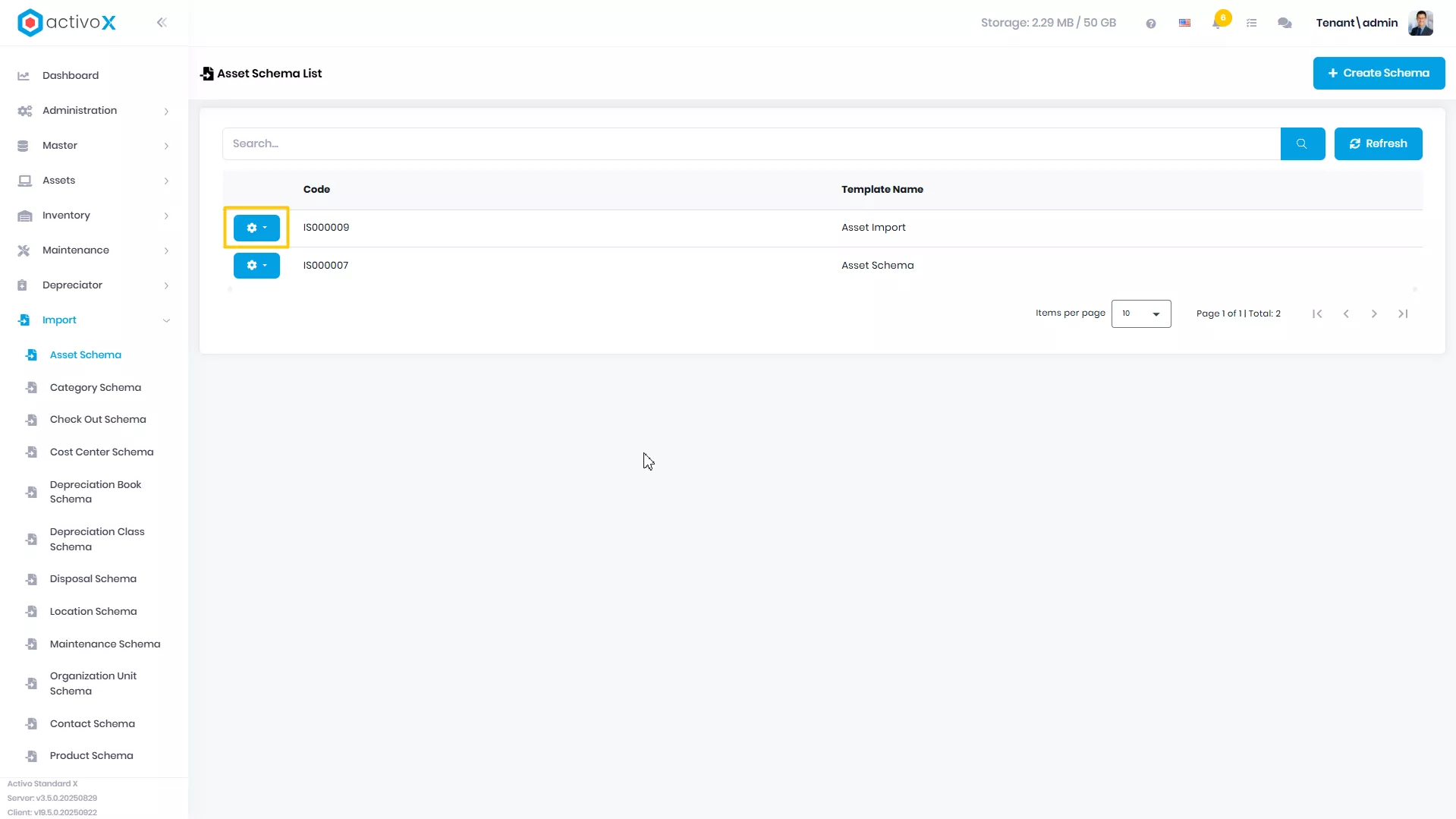
Pilih Import yang akan dituju, lalu klik Action
-
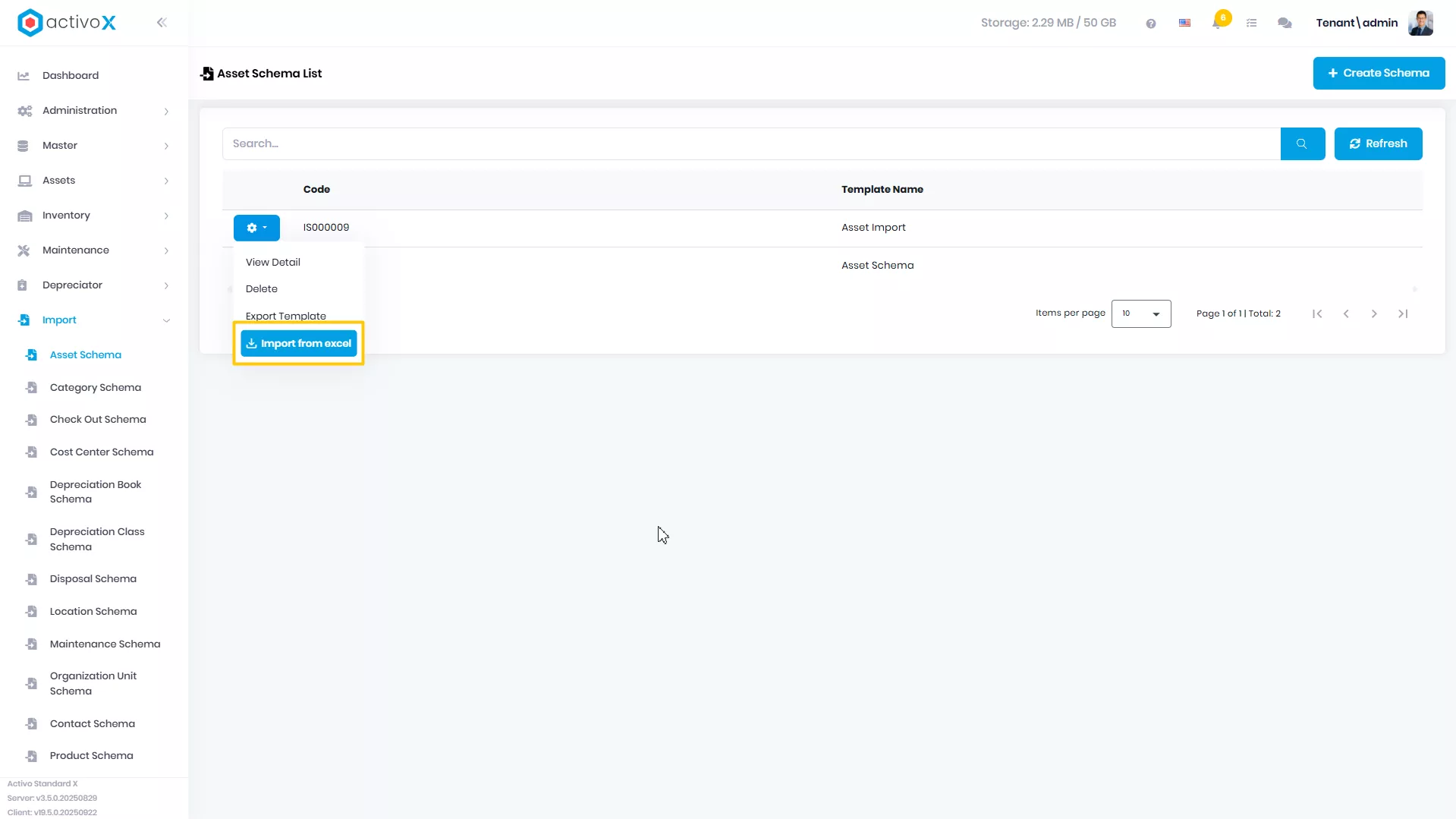
Klik Import from Excel
-
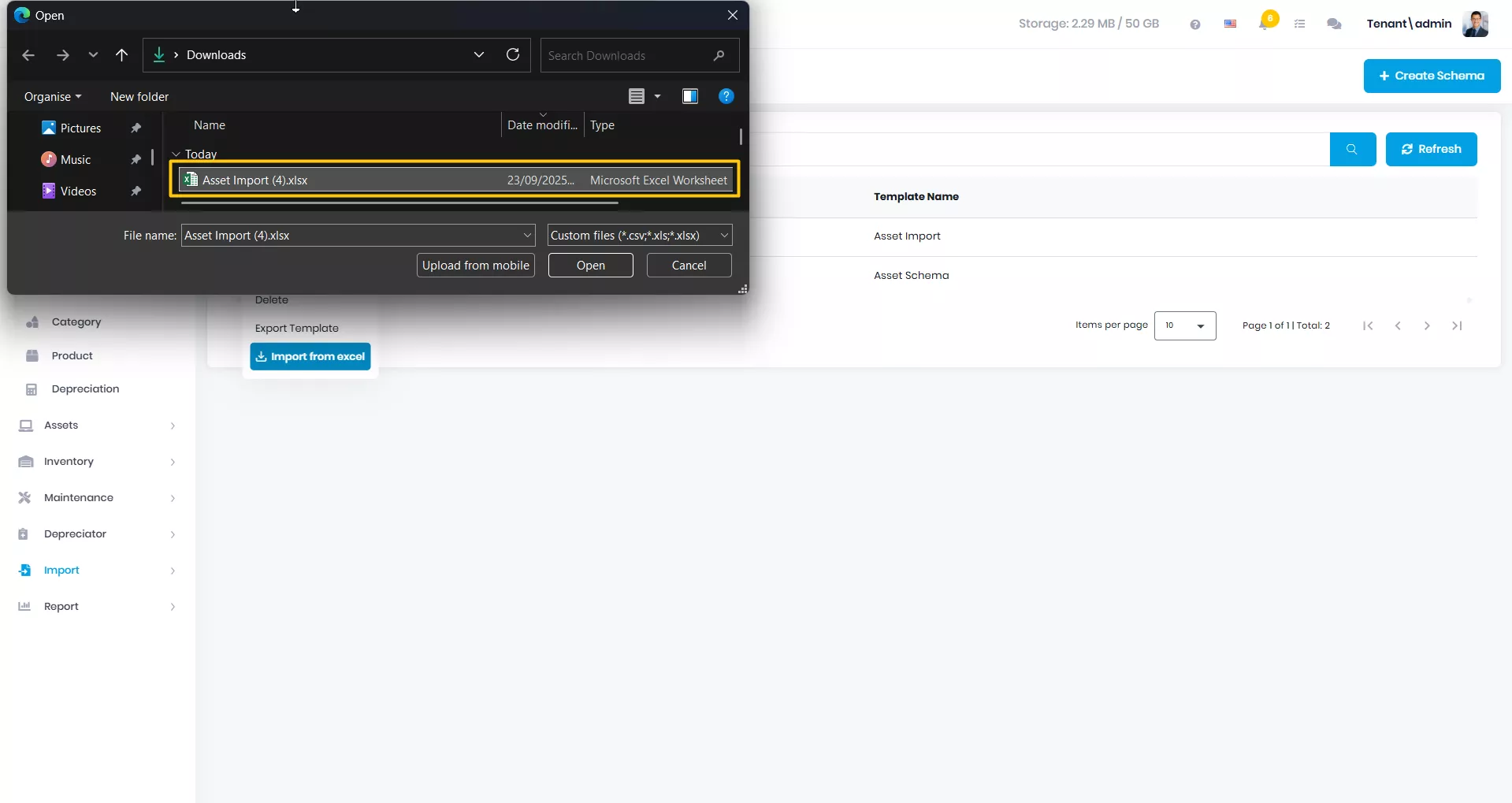
Pilih file yang akan diimport yang sudah disesuaikan dengan Template Import di File Manager Anda
-
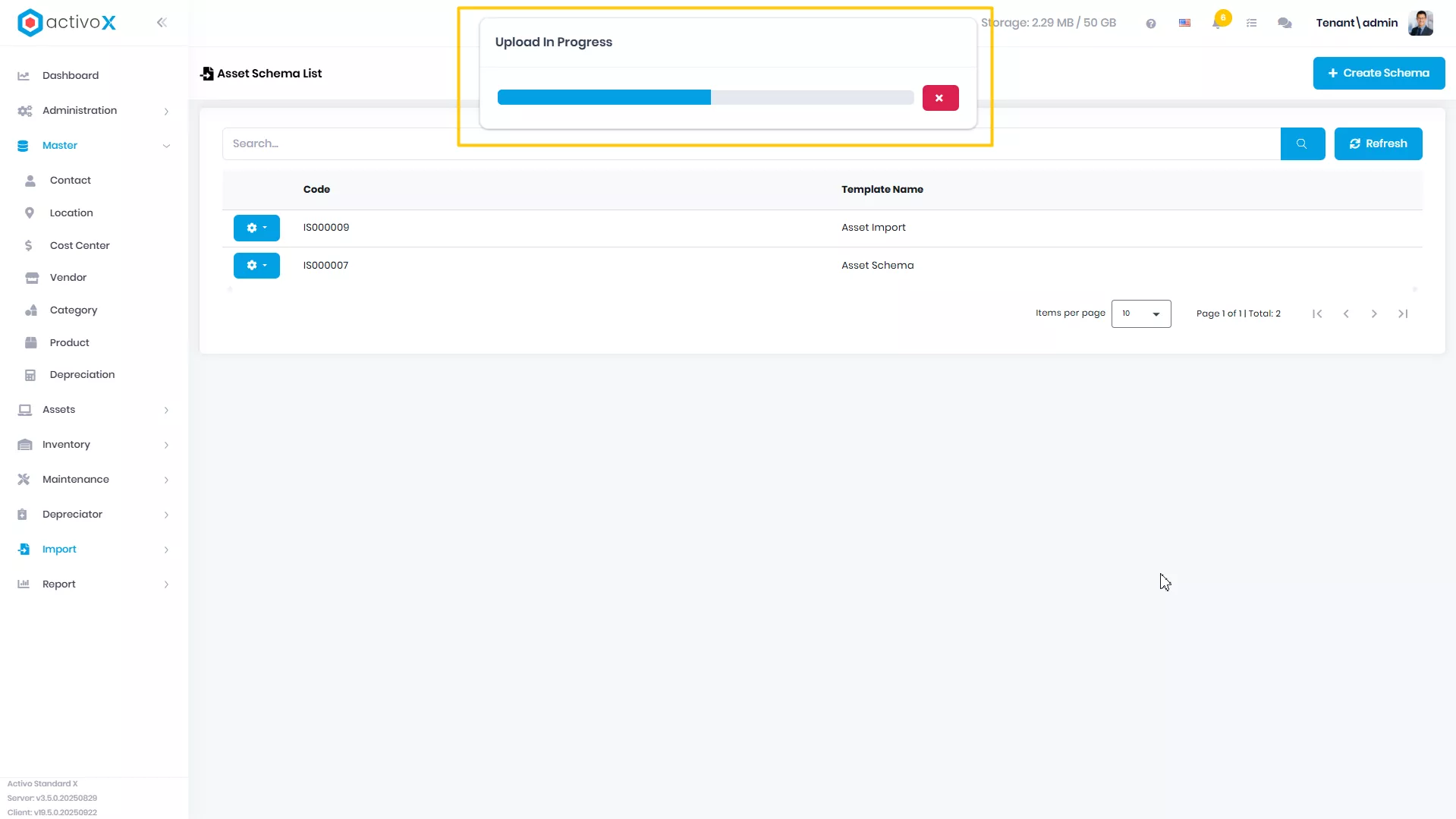
Sistem sedang memproses file yang Anda Import
-
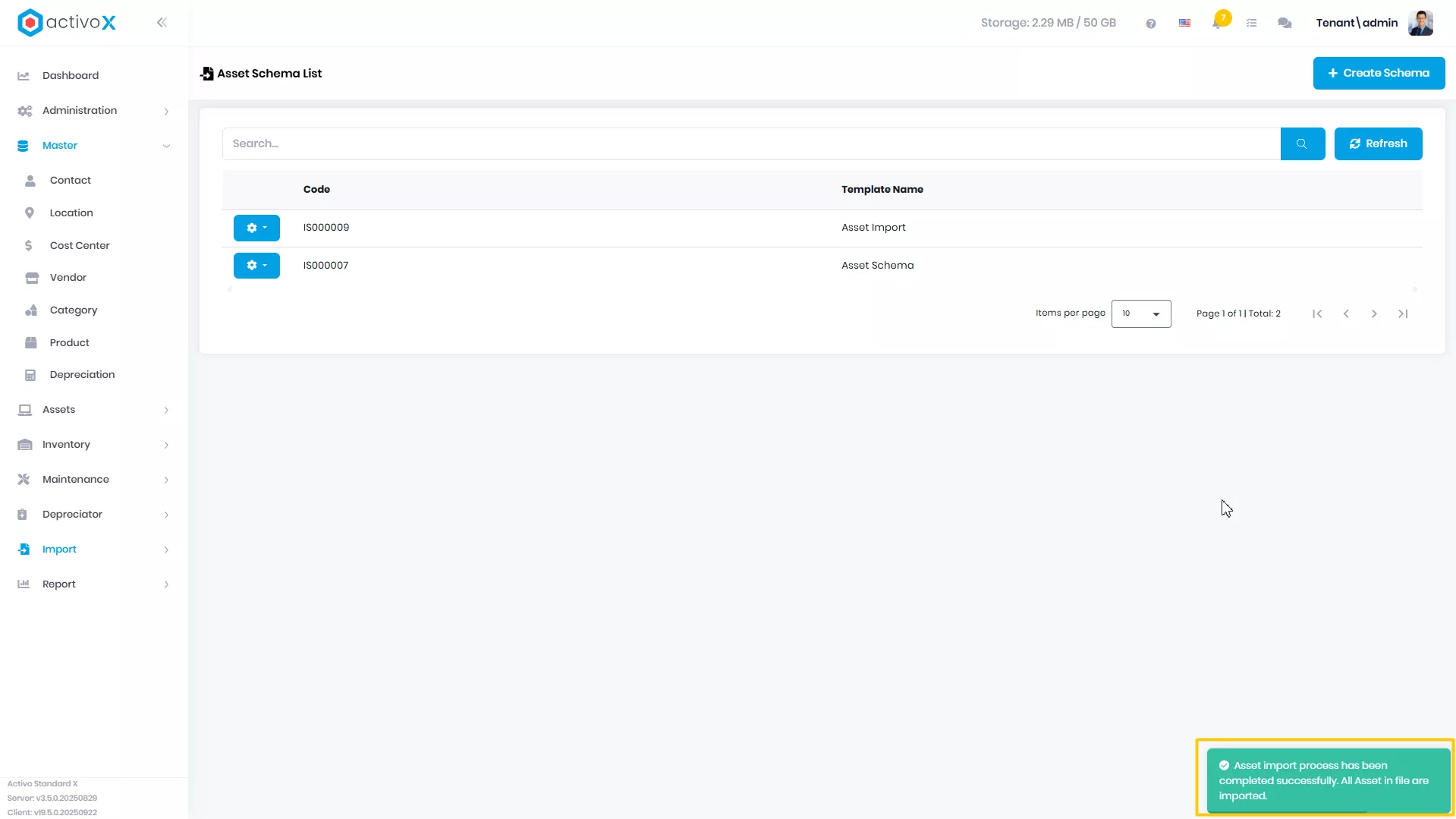
File yang Anda kirim berhasil di Import
-
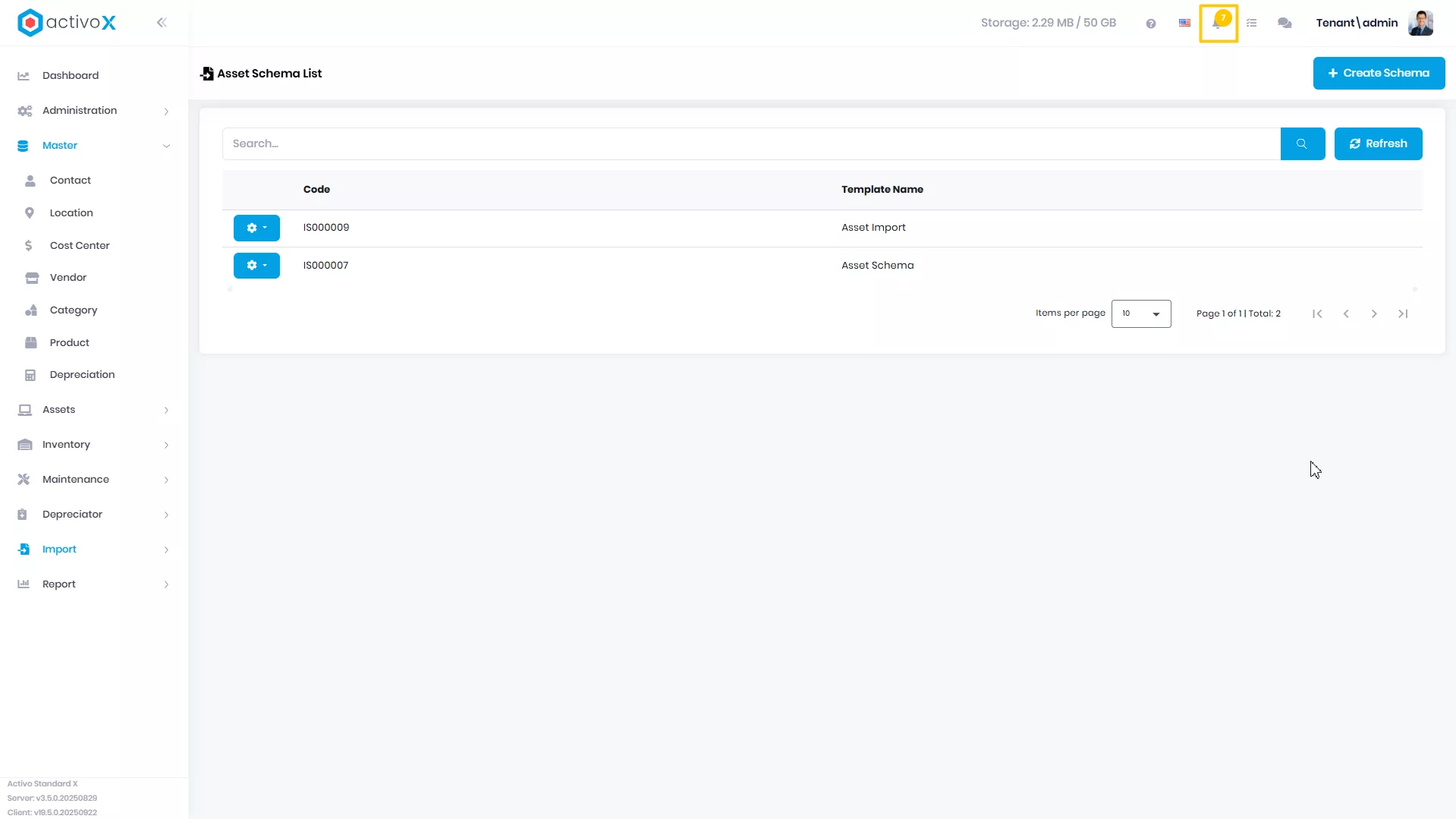
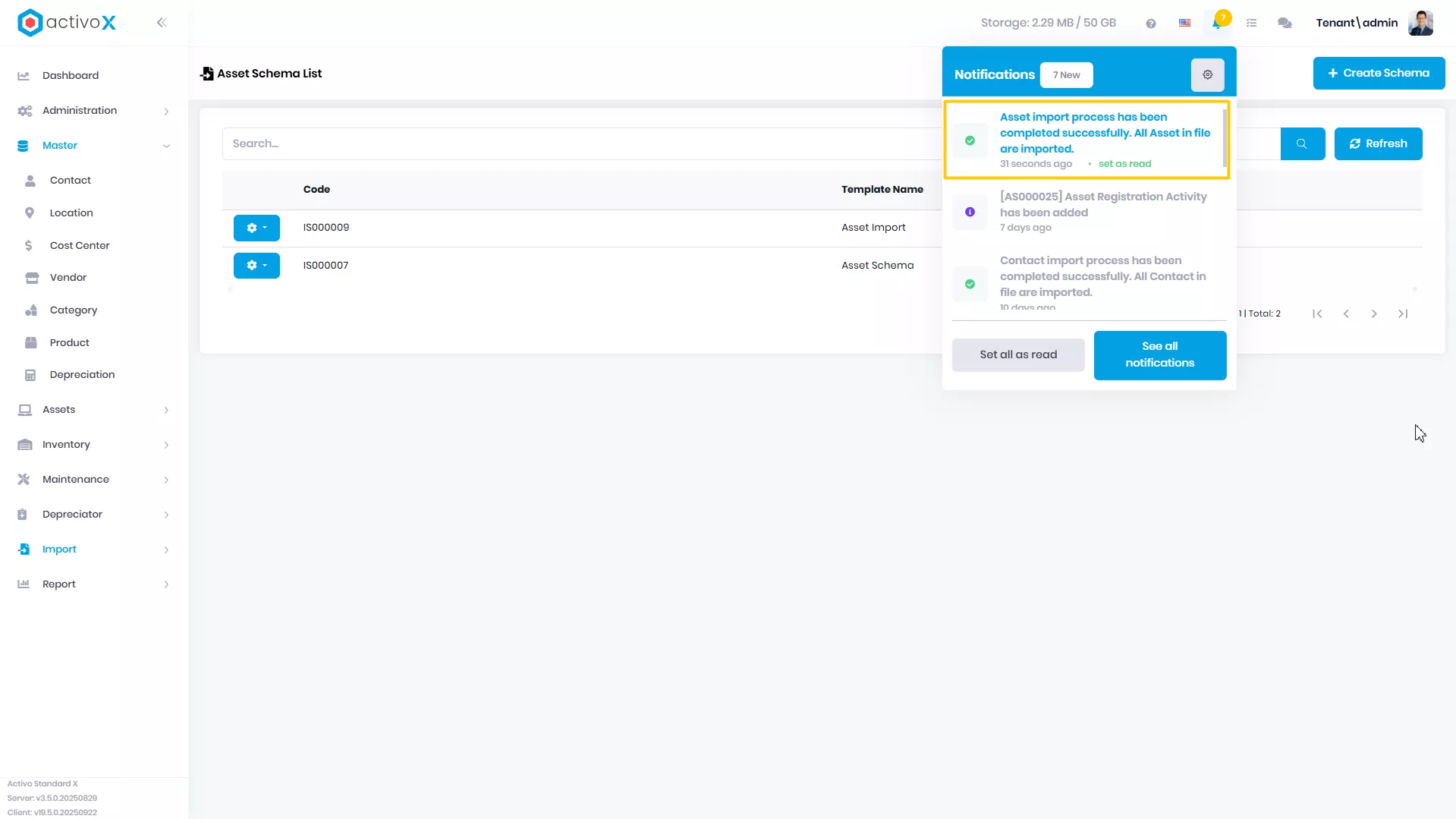
Buka icon Notification
-
Klik pada notifikasi yang berisi file ekspor untuk data Report Schema
Menghapus Import
Anda dapat menghapus Asset Import yang sudah dibuat pada Activo X.
-
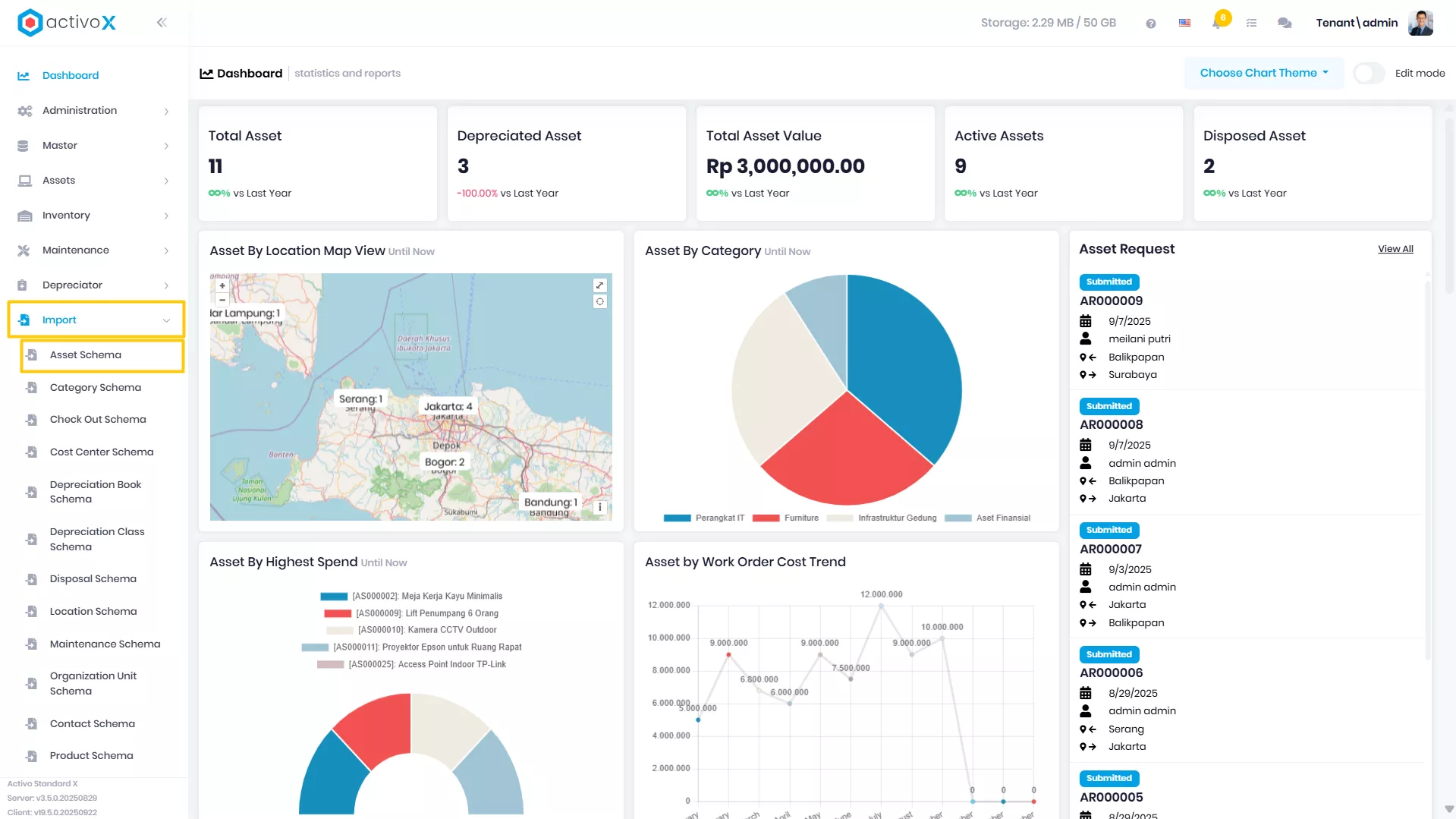
Klik menu Import lalu pilih Asset Import.
-
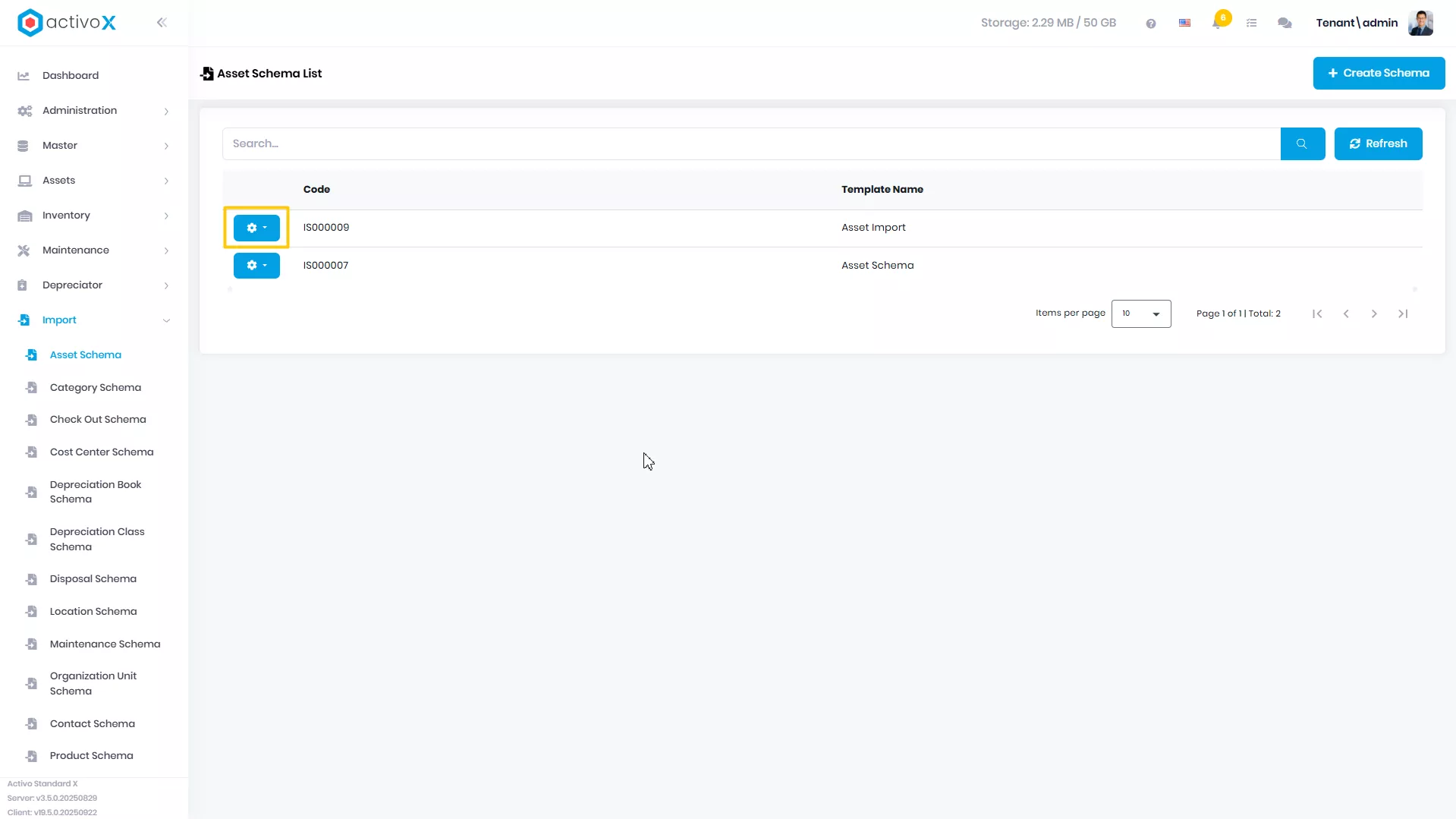
Pilih Import yang akan dituju, lalu klik Action
-
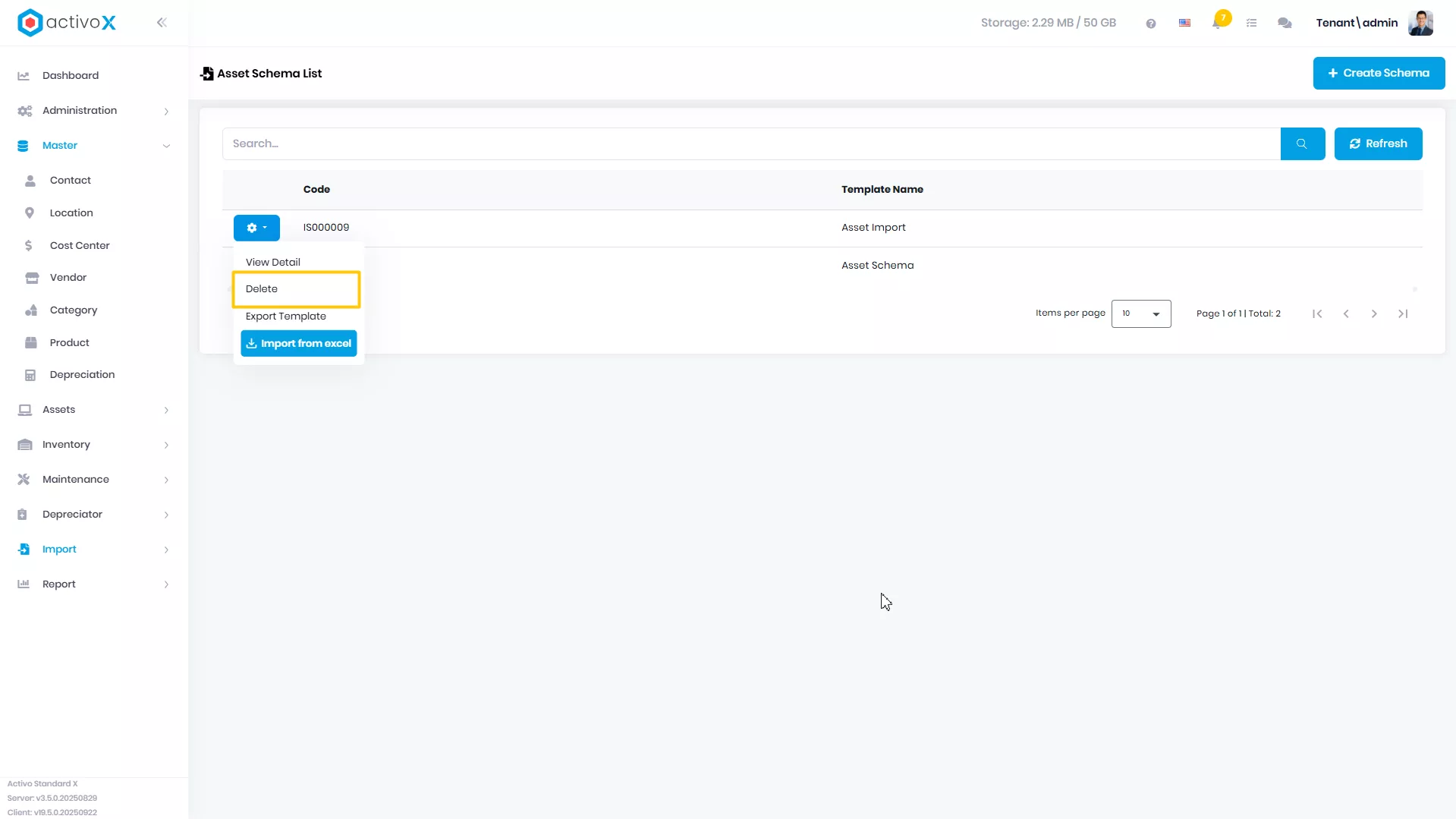
Klik Delete
-
Import Anda berhasil di hapus